
Edit PDF text
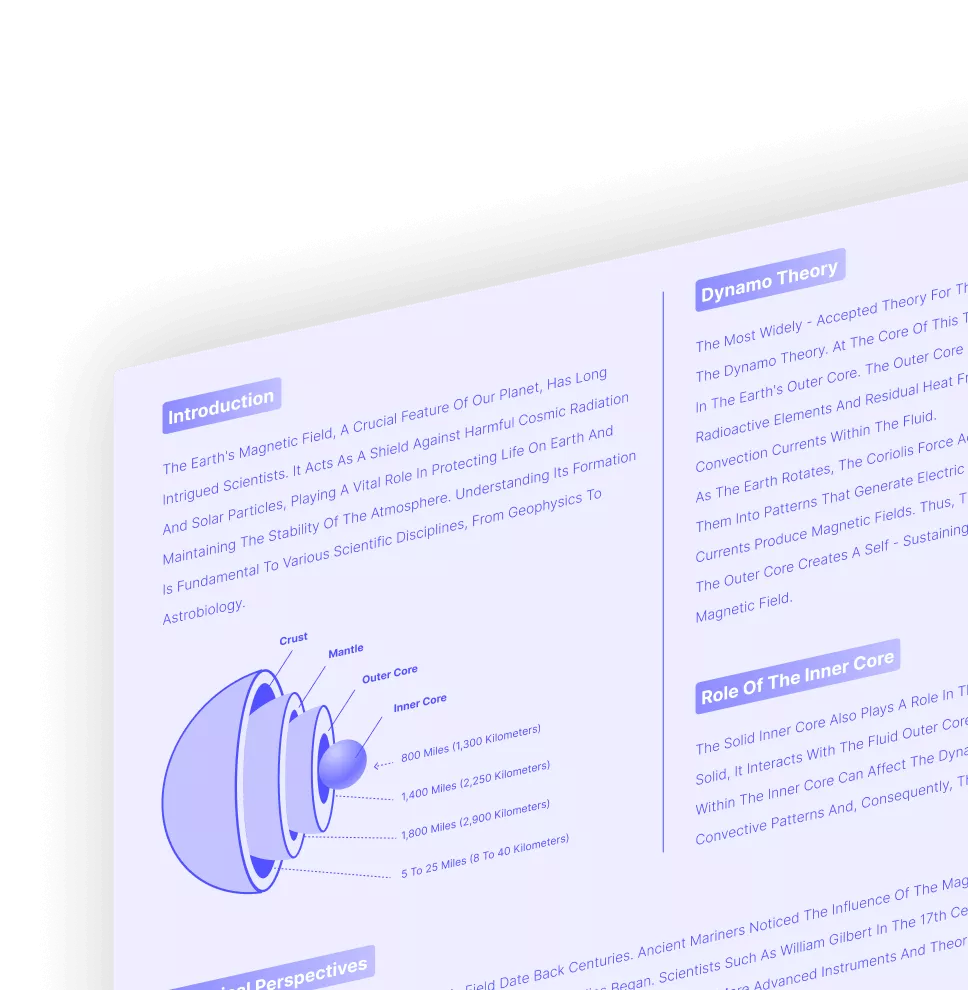
Change wording, restyle typography, and fine-tune paragraph layout directly inside the PDF canvas.
Build AI-powered editing workflows that bring text changes, comments, highlights, and page organization together in one precise PDF workspace.
Click the links on the left to jump to each media step, or scroll the right side and let the tree follow the active workflow automatically.
Change wording, restyle typography, and fine-tune paragraph layout directly inside the PDF canvas.
Adjust visuals without leaving the document, from replacing hero artwork to cleaning up page composition.
Connect supporting references, jump between sections, and attach source files from one organized review flow.

Keep discussions tied to the exact paragraph, figure, or decision that teammates need to review next.

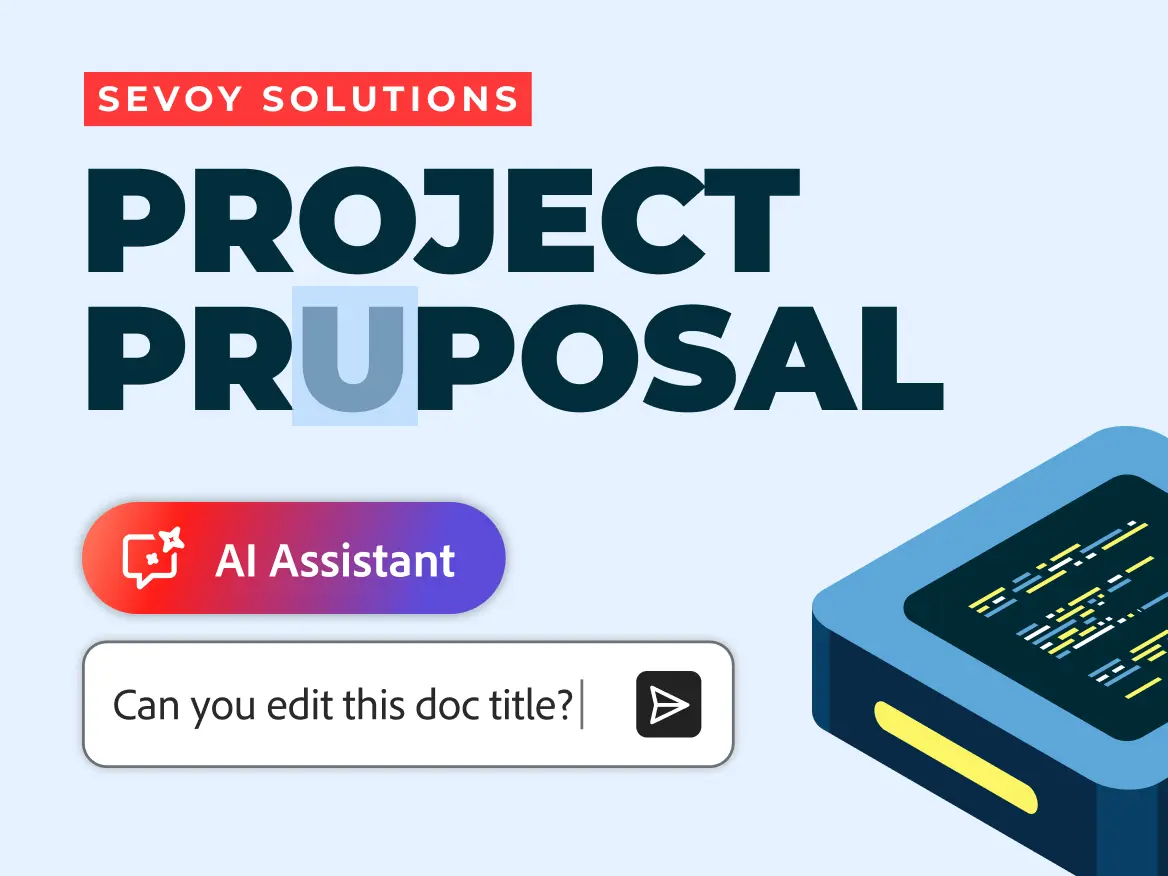
Use AI assistance to rewrite sections, tighten language, and move from rough draft to polished document faster.
Review agreements faster.
Keep documents moving.
Turn PDFs into knowledge.
Open large PDFs instantly.
Keep layouts exactly as intended.
Windows · macOS · iOS · Android · Web
Documents stay under your control.