Privacy First
Your documents stay under your control with clear privacy boundaries and responsible AI practices.
Edit, convert, OCR, and collaborate across desktop and mobile. Morvra AI Workspace helps you summarize, translate, and understand PDFs faster.
Everything you need to read, edit, convert, organize, and understand documents in one place.
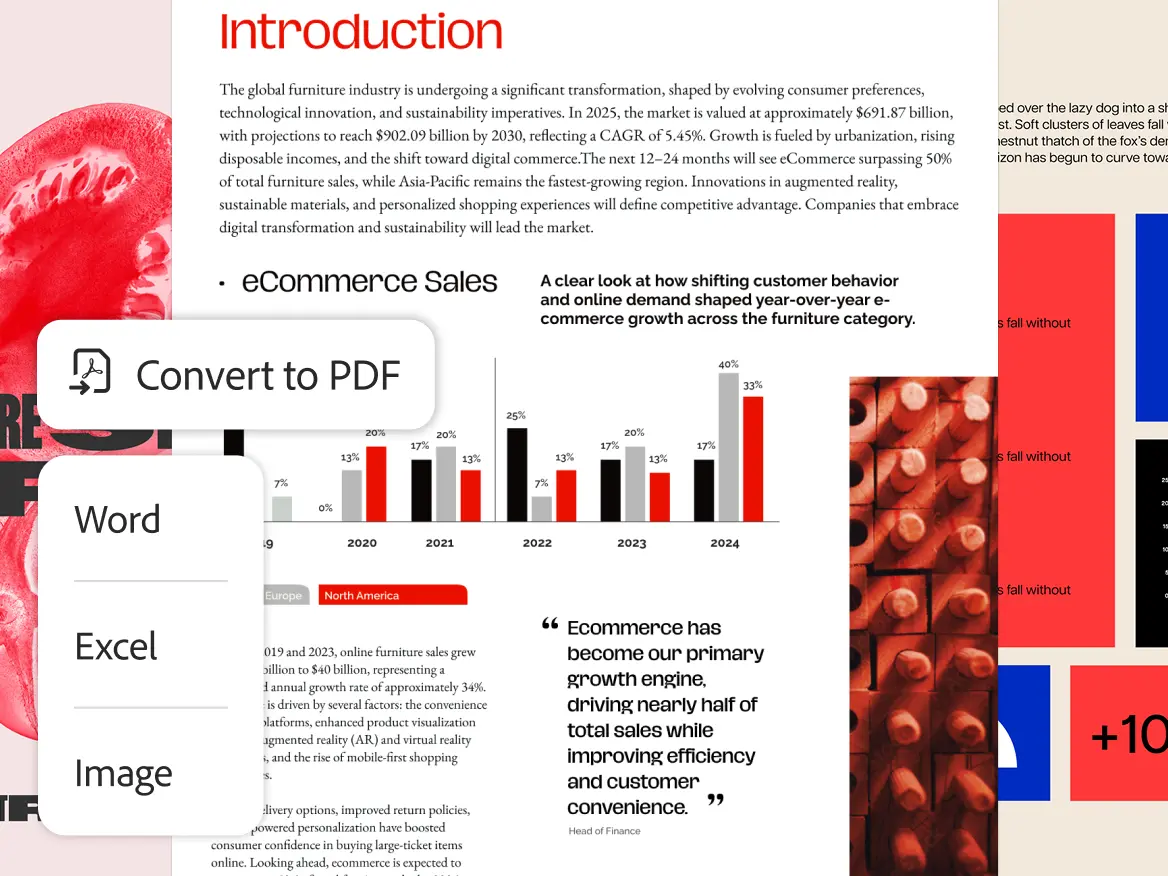
Turn PDFs, Office files, and images into editable content while preserving formatting and structure.
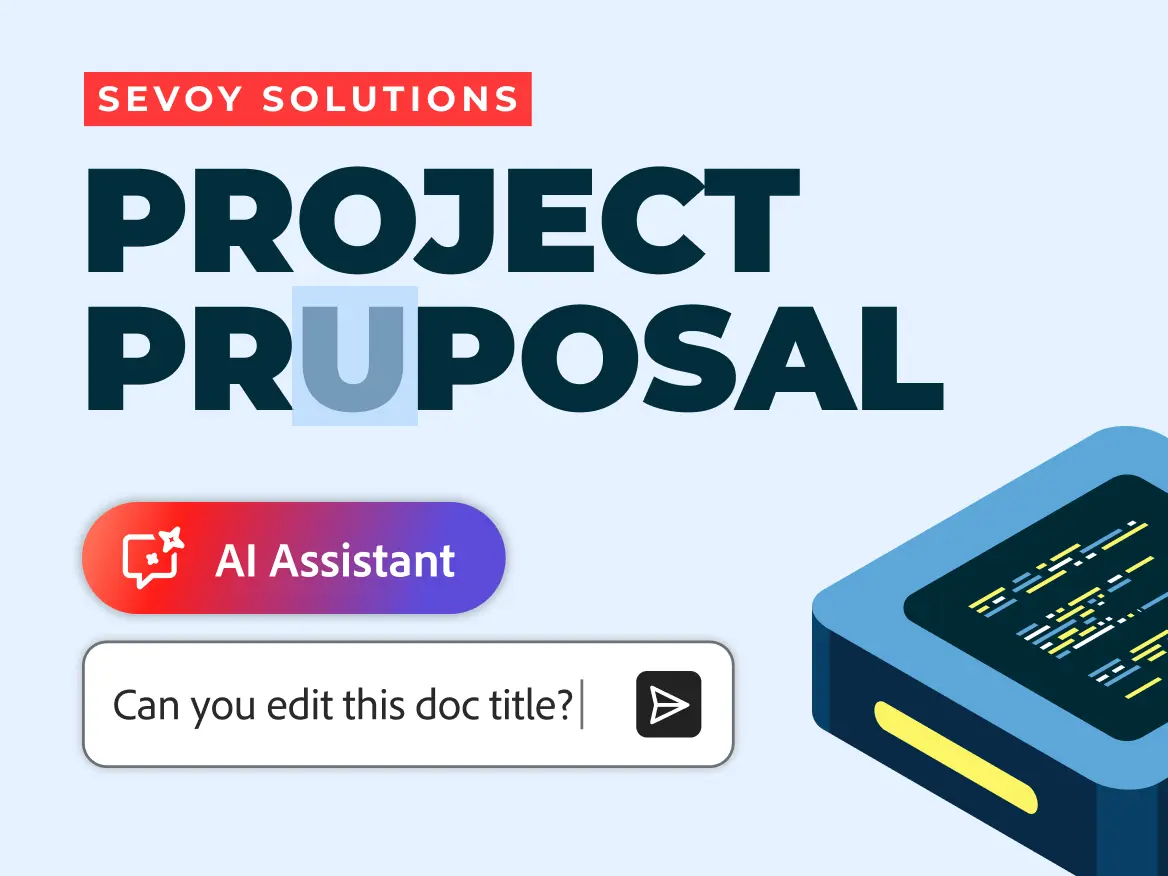
Update text, reorganize pages, add annotations, and automate document tasks with AI assistance..
Everything you need to work with PDFs — from editing and OCR to AI-powered understanding.
Mark up, highlight, comment, and prepare documents with a focused interface built for speed.
Explore editingPDF to Word, Excel, PPT, and more. Keep layout fidelity and handle batches when needed.
Browse convert toolsTurn scanned documents into searchable text and reusable content with reliable OCR flows.
Try OCR onlineAsk questions, extract key points, and generate summaries grounded in your document context.
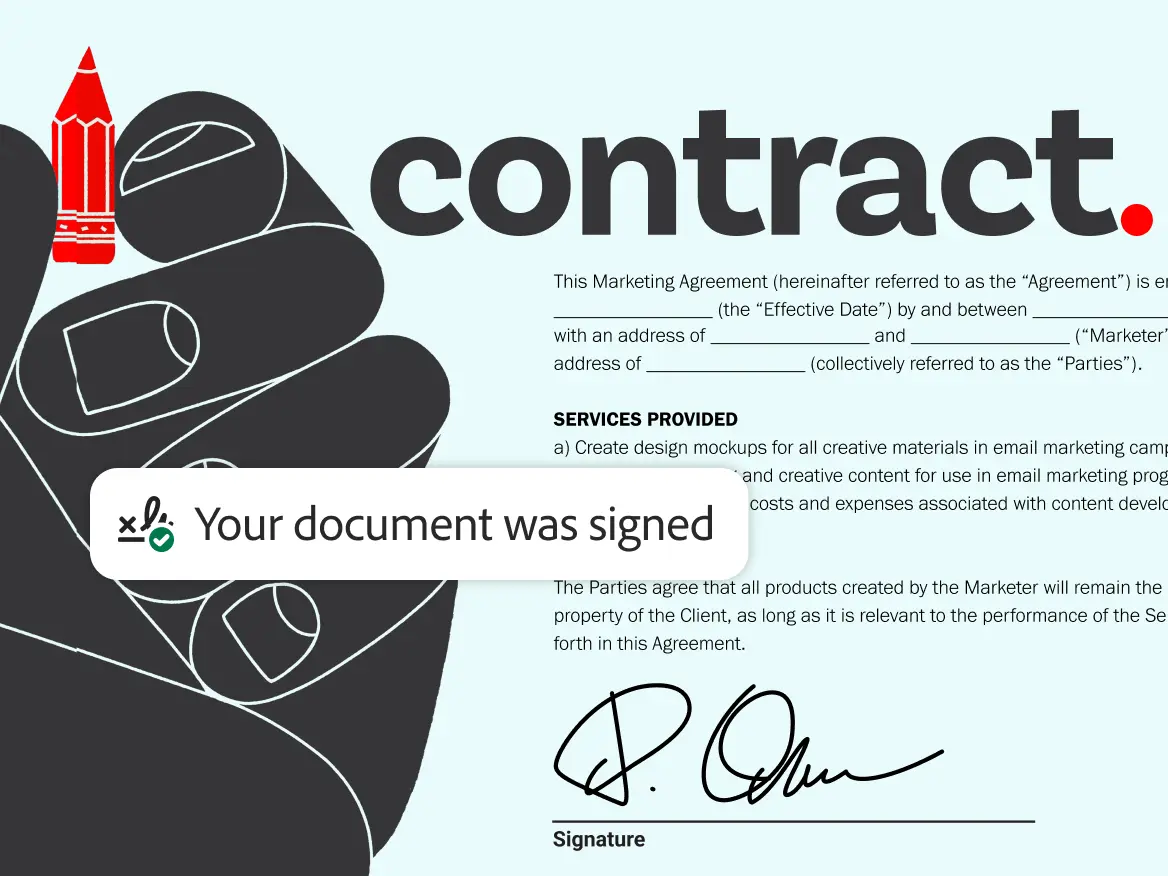
Open AI WorkspacePositioned for secure signing, redaction, and access control as Morvra expands.
See protection toolsMove from individual productivity to shared workflows with a clear enterprise narrative.
Enterprise overviewRead, edit, review, and sign PDFs across desktop, web, and mobile. Start on one device and continue on another.
Built for deep work: multi-page review, annotation workflows, and conversion tasks without friction.
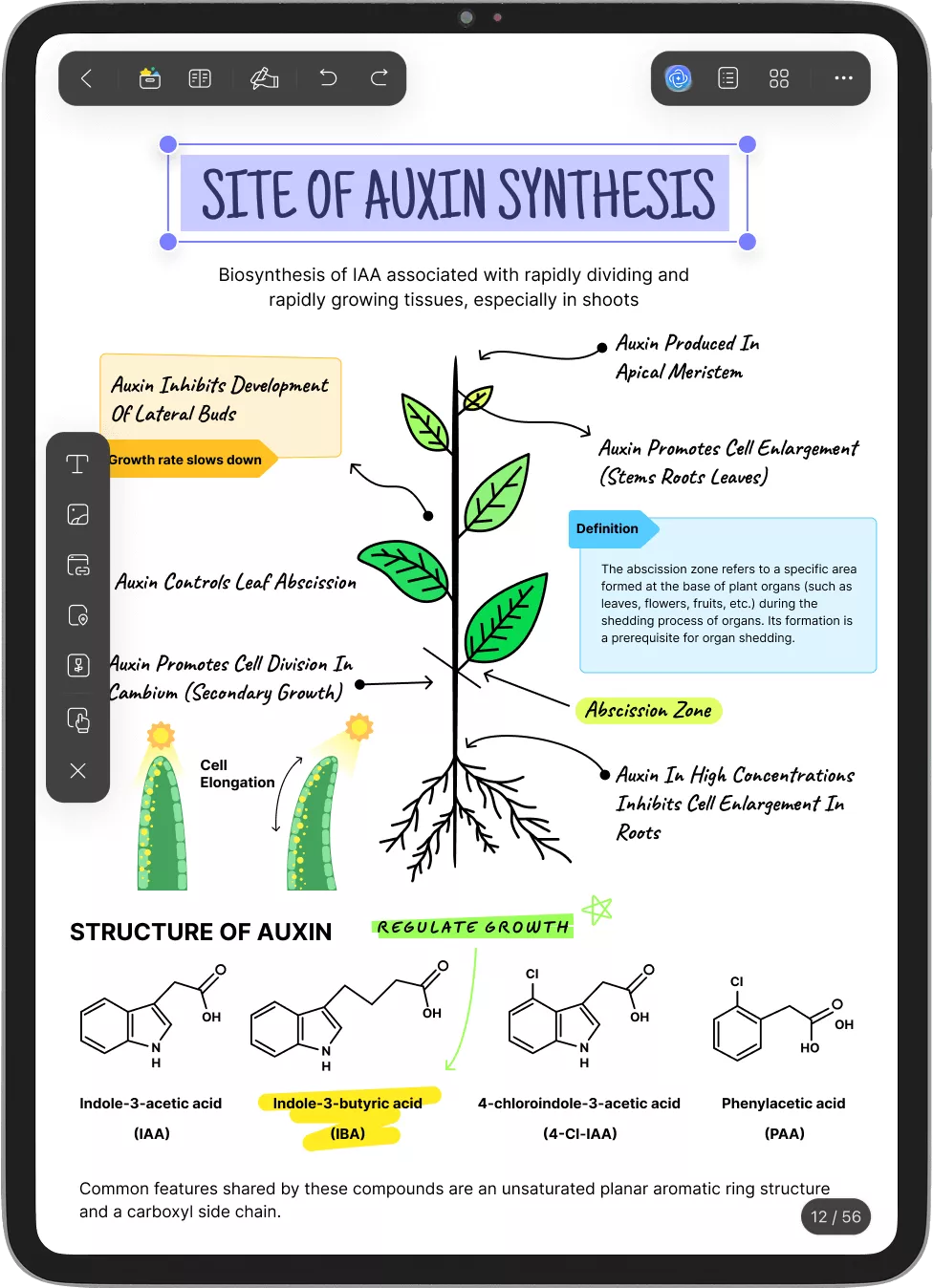
Open, annotate, and approve documents quickly from your phone or tablet when work can’t wait.
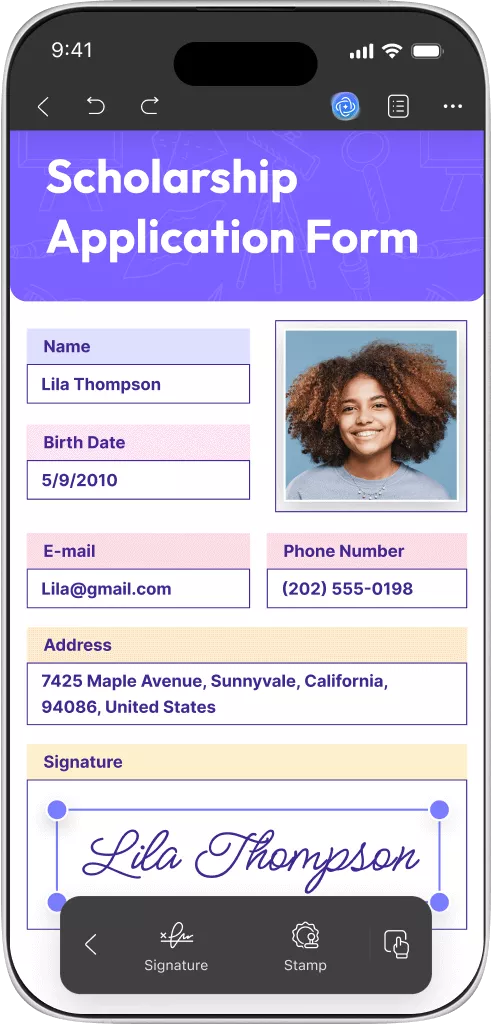
Protect your documents with secure infrastructure, privacy-first AI, and deployment-ready workflows.
Your documents stay under your control with clear privacy boundaries and responsible AI practices.
Encryption and secure transmission are built into the product from day one.
Read, edit, and review documents even when connectivity is limited.
Built with administration, governance, and future enterprise deployment in mind.
From contracts and research papers to reports and forms, Morvra helps teams read, edit, convert, and understand documents faster.
Explore guides, release notes, FAQs, and product updates in a darker, more editorial resource stream.
Read, edit, convert, and understand documents with AI — across desktop, web, and mobile.